Replit Onboarding UI: 5 real screens

Artificial Intelligence
This is the onboarding design from Replit, a artificial intelligence application. Replit replit is an AI app builder and cloud IDE for creating, running and deploying apps from a prompt with Replit Agent, plus imports, scheduled routines, integrations and workspace settings. Its signed-in UI covers an Agent home with a what-are-we-working-on-today greeting, a plan gate, a task composer with Output and Free-mode controls, and Website or Mobile App starters; an Overview of agent activity with Needs you, In progress, For review, Routines and Finished; Import to migrate repositories, designs, sites, spreadsheets or zip files; Routines for scheduled Agent tasks behind a Core upgrade; a Security findings table for dependency vulnerabilities; a command palette and More actions menu; and settings for Profile, Usage (locked on the free plan), Billing with Core, Pro and Enterprise, Personalization, Notifications, an Integrations library, Workspace overview and app export, Agent memory, Design systems, Slides templates, and Promotions and Referrals. Onboarding covers email verification, username and full name, WhatsApp phone verification, a role picker, and a Welcome-to-Replit plan choice. A usage-limit modal asks you to Upgrade to Core to continue using Agent after the monthly Starter allowance. Onboarding flow designs from top SaaS apps. Welcome screens, setup wizards, and first-run experiences. We have 5 onboarding screenshots from Replit showing different states and variations of this pattern.
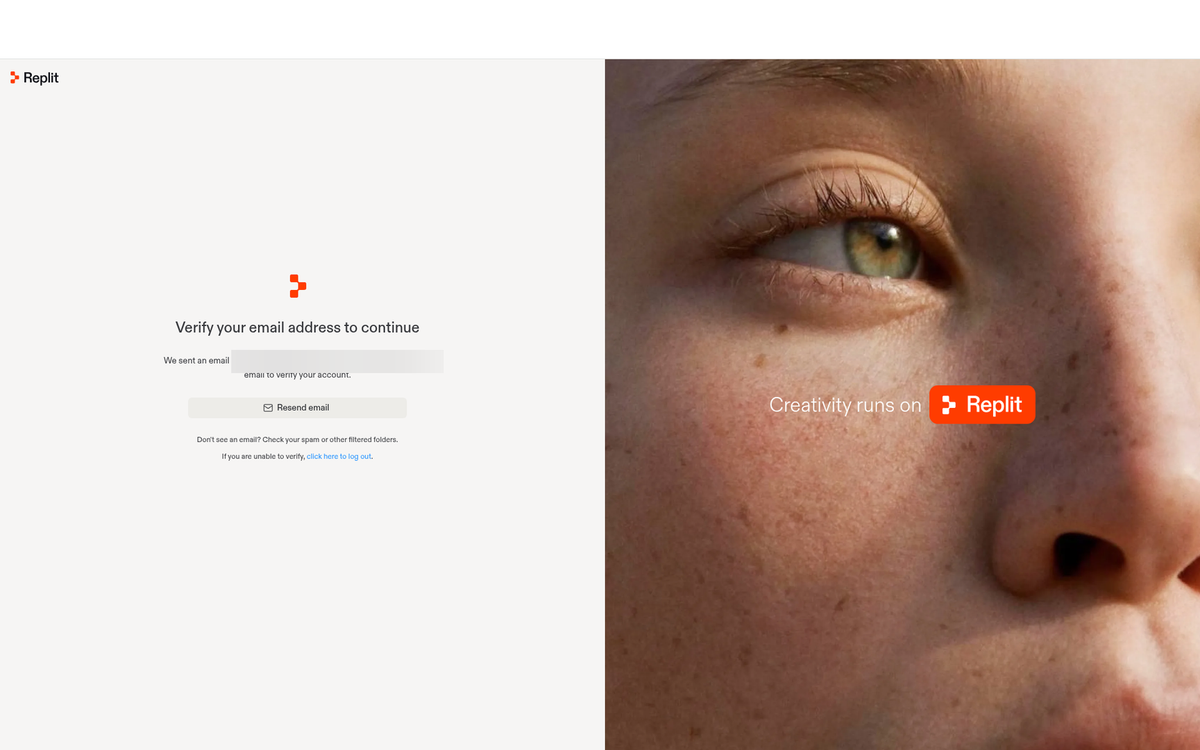
Verify email
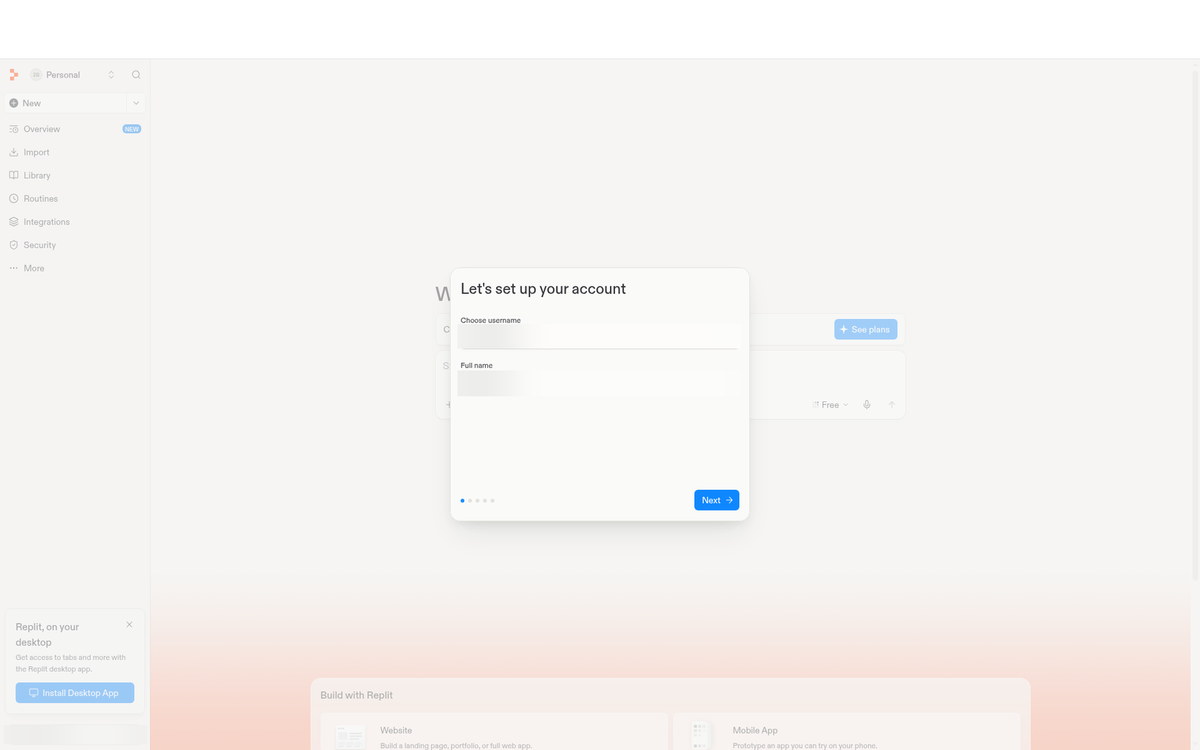
Onboarding — Account
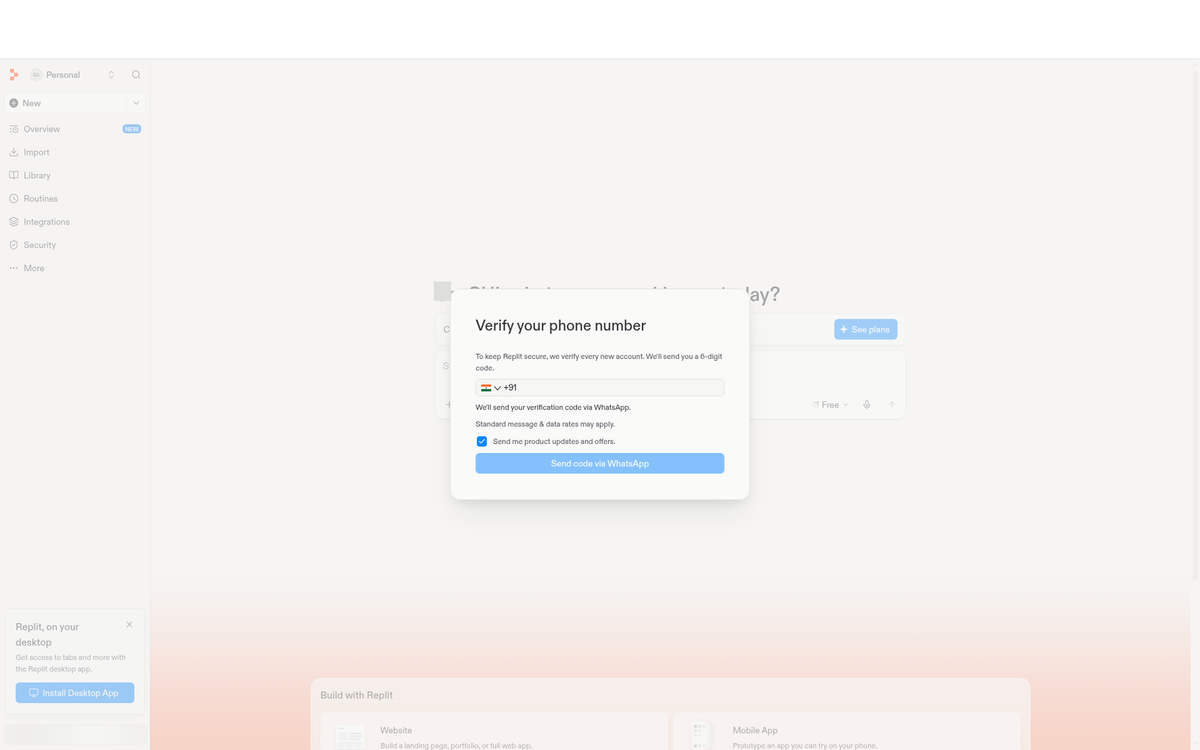
Onboarding — Phone
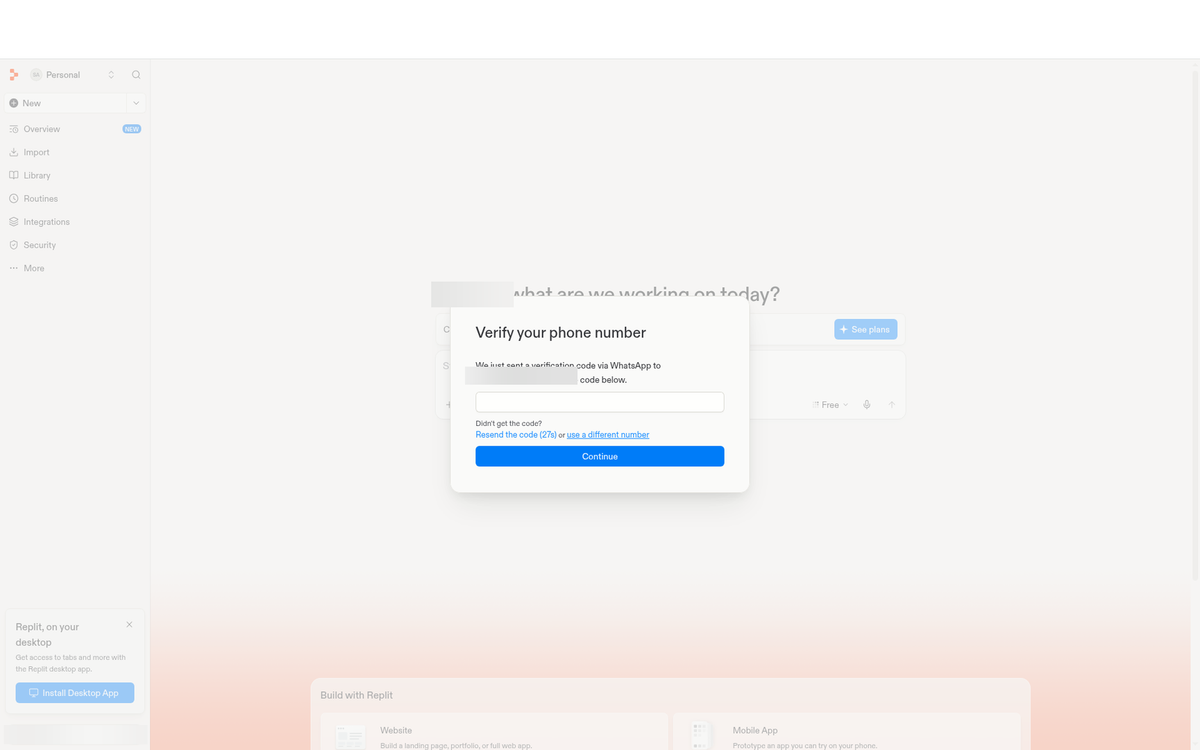
Onboarding — Phone code
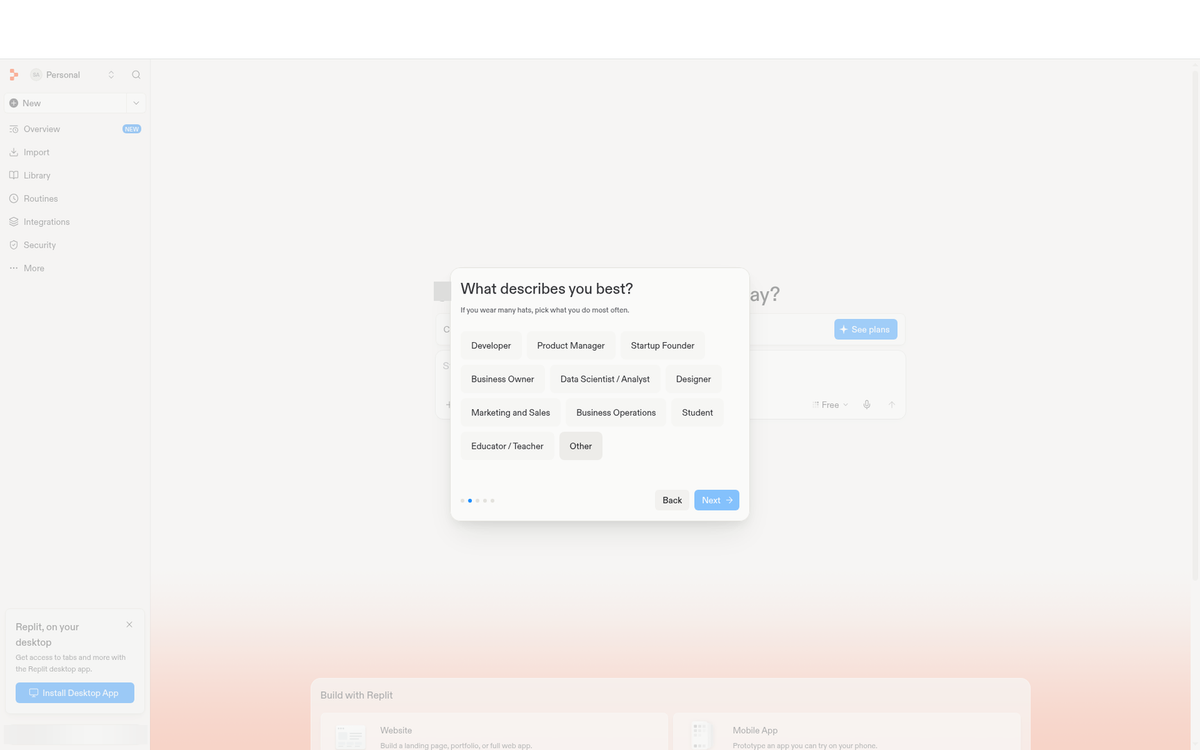
Onboarding — Role
What these 5 screens show
- Verify email
- Onboarding — Account
- Onboarding — Phone
- Onboarding — Phone code
- Onboarding — Role