Devin Onboarding UI: 8 real screens

Artificial Intelligence
This is the onboarding design from Devin, a artificial intelligence application. Devin devin, also called Devin Desktop, is Cognition's AI coding agent and command center for planning, reviewing and shipping work with local and cloud agents. Devin Desktop is the new name for Windsurf, renamed in June 2026; the product started as the Windsurf editor (formerly Codeium). The public site at devin.ai covers the desktop product, plans, and downloads for macOS, Windows and Linux, plus a Windsurf plugin for JetBrains IDEs. Plans shown on devin.ai/pricing are Free at $0, Pro at $20 a month, Max at $200 a month, Teams at $80 a month, and Enterprise (contact sales). Sign-up is by email, Google, GitHub or ChatGPT. After signing in, the web app offers a plan picker, then onboarding to connect a Git provider (GitHub, GitLab, Bitbucket or Azure DevOps), choose Devin Desktop or the Devin CLI, and tag @Devin in Slack. The Sessions home has a composer, a notifications drawer and a Getting Started checklist. Product areas include a Security overview with an intro modal over published-threat banners, Automations and Devin Bots intro cards, and Devin Review. Organization settings cover a settings index, General (organization name and ID), Connections for Git, Slack, Teams, Linear and Jira, Plans and Usage & Limits on the Free plan, Knowledge (moved to skills), Repositories, Devin session preferences, Analytics, Environment blueprints and DeepWiki. Onboarding flow designs from top SaaS apps. Welcome screens, setup wizards, and first-run experiences. We have 8 onboarding screenshots from Devin showing different states and variations of this pattern.
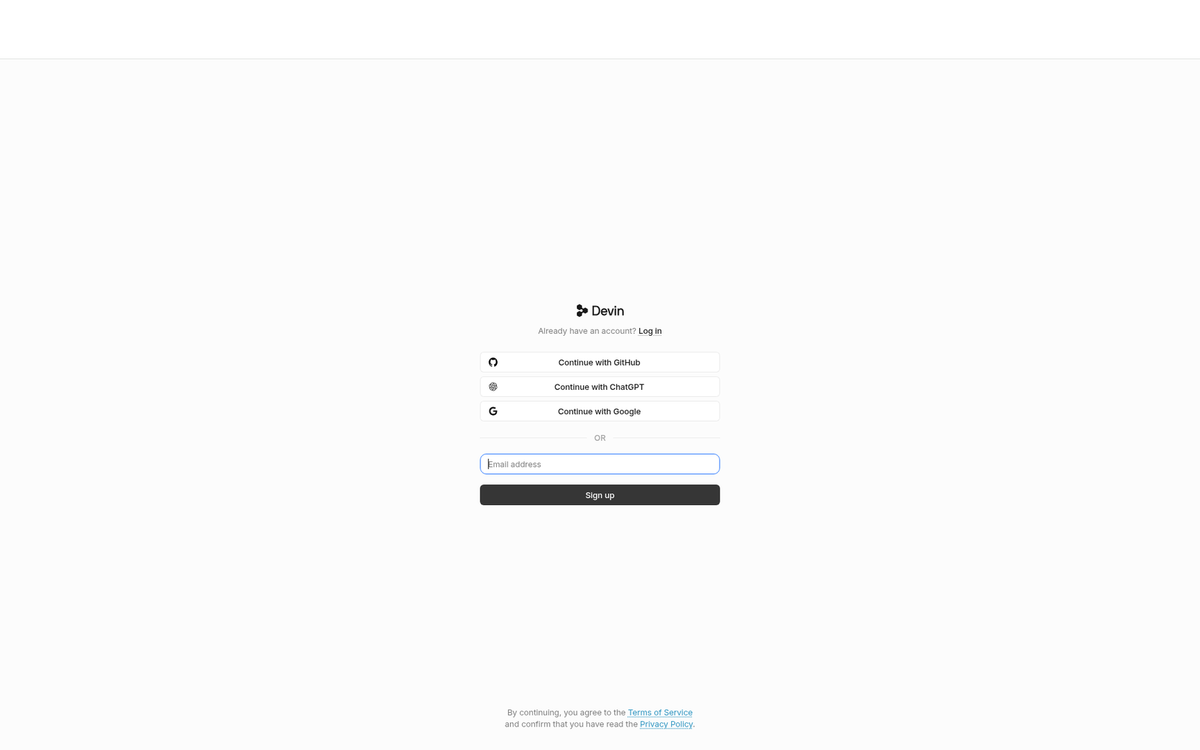
Sign up
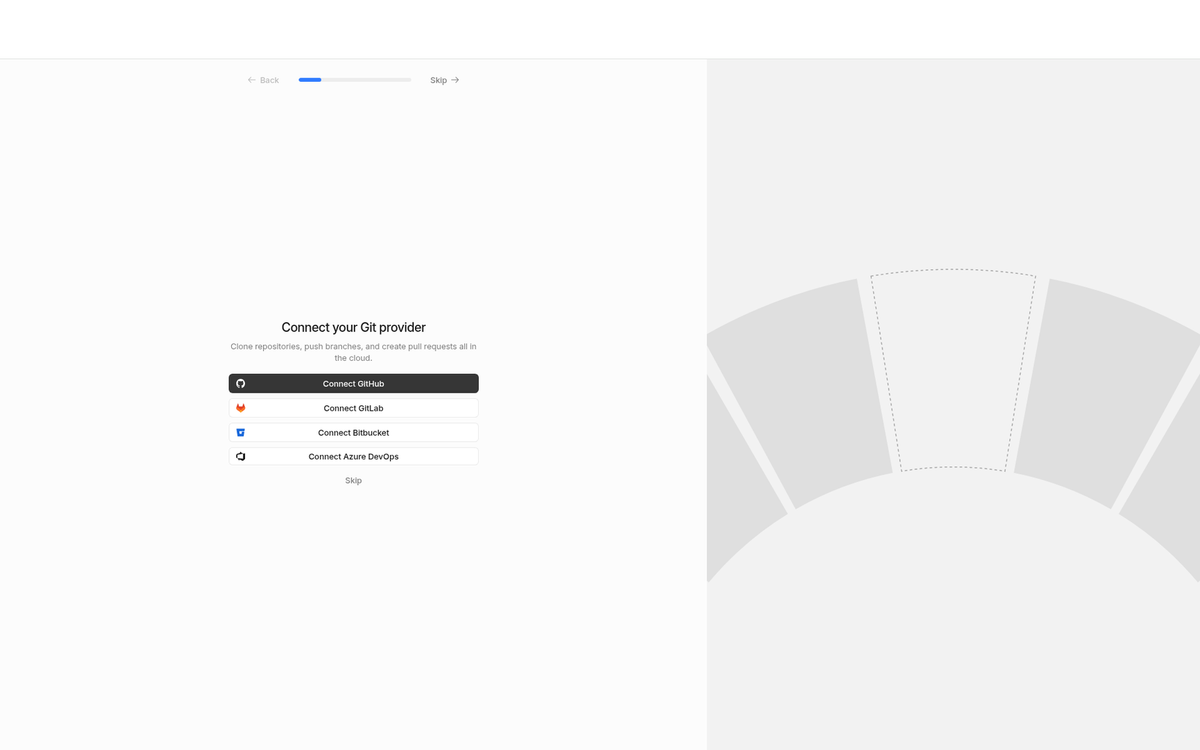
Onboarding — Git provider
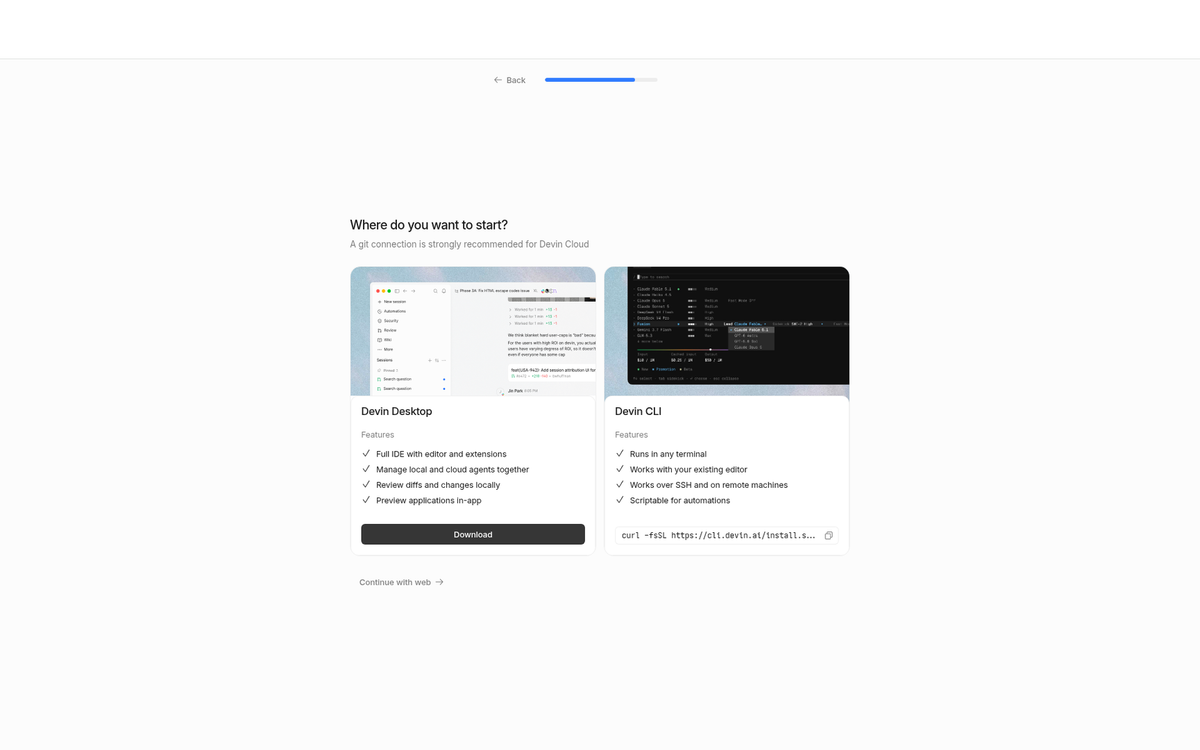
Onboarding — Where to start
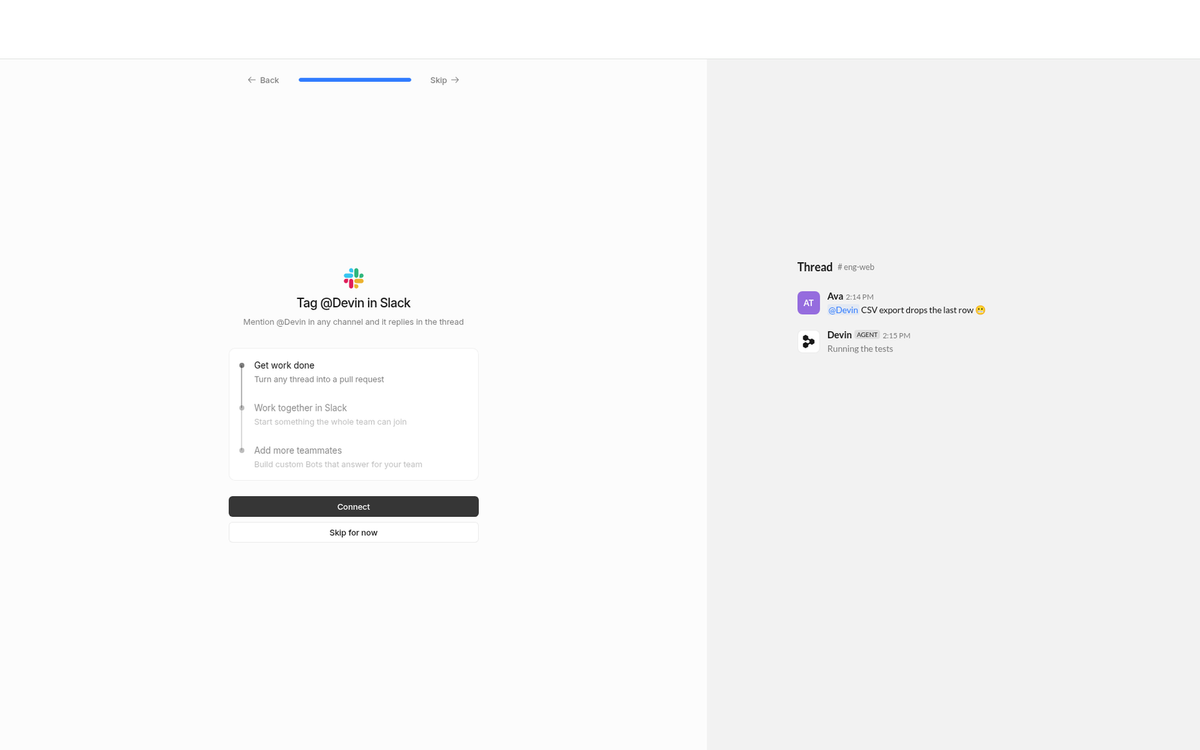
Onboarding — Slack
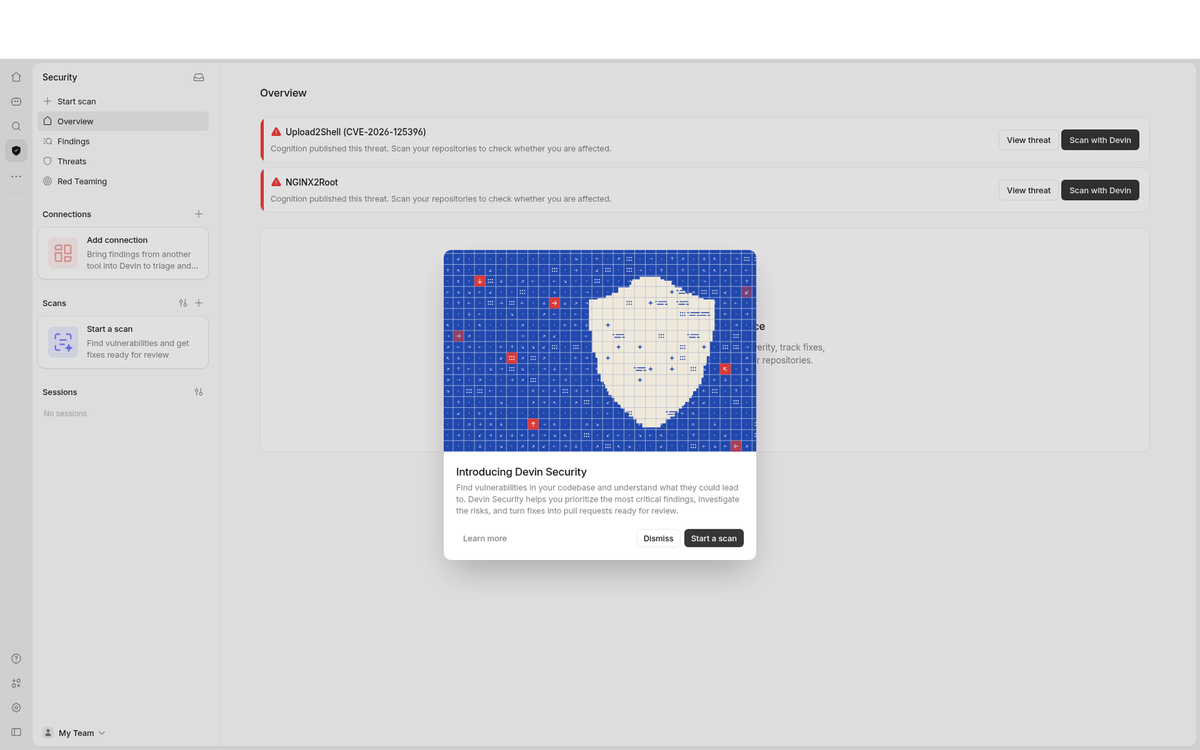
Security overview
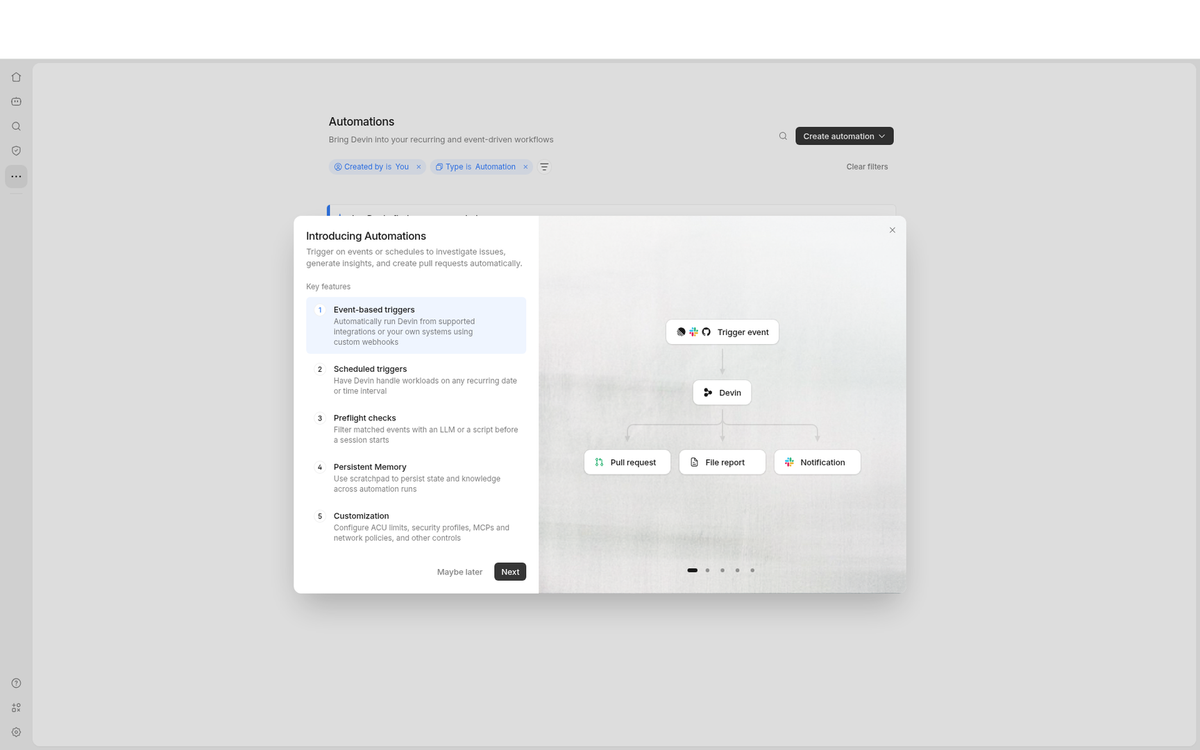
Automations
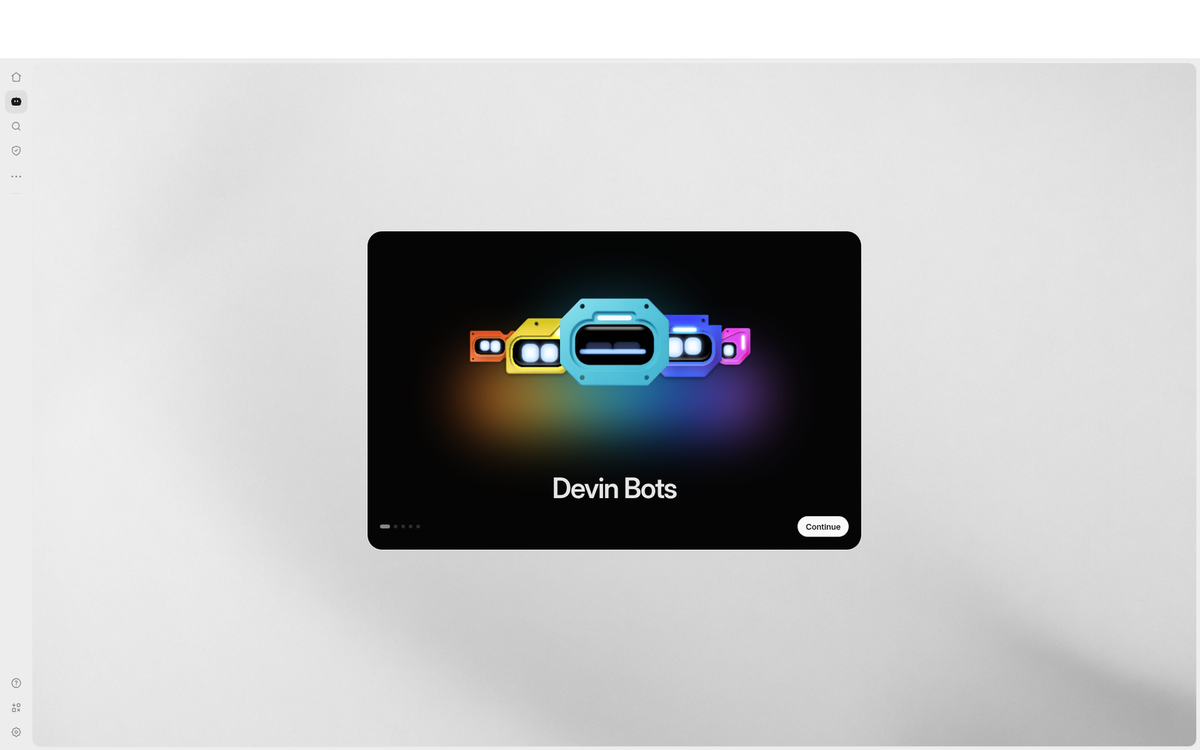
Devin Bots
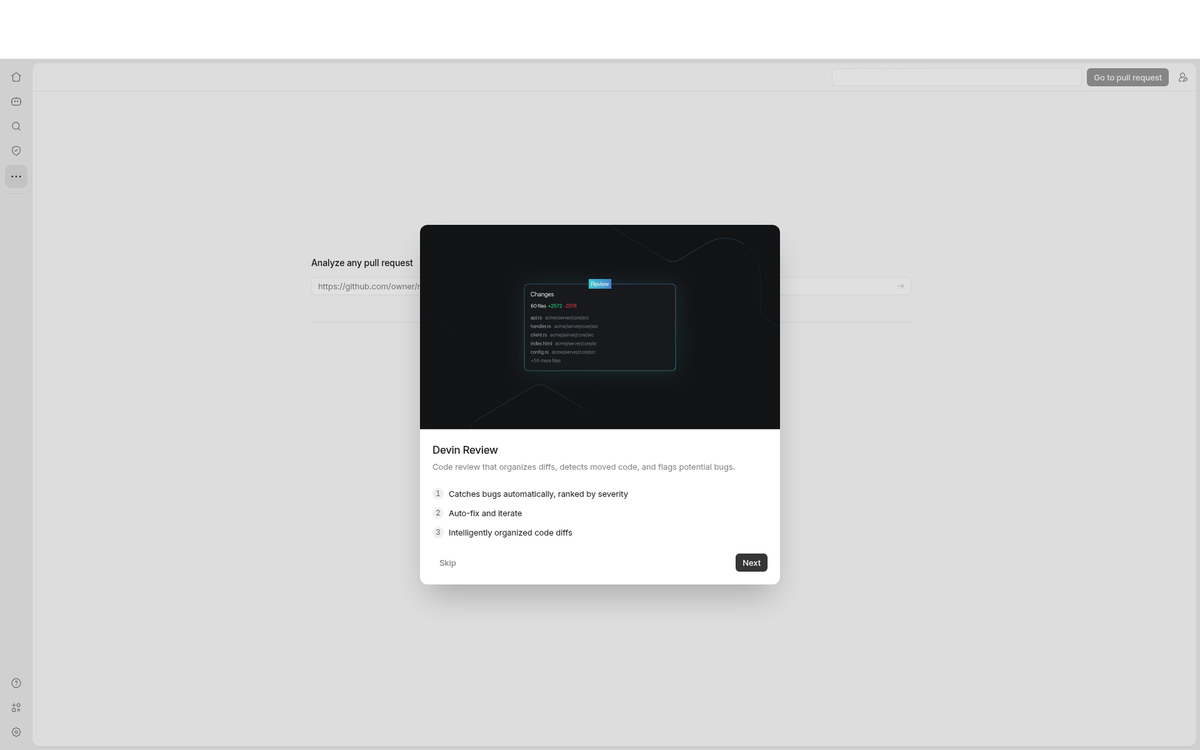
Devin Review
What these 8 screens show
- Sign up
- Onboarding — Git provider
- Onboarding — Where to start
- Onboarding — Slack
- Security overview
- Automations
- Devin Bots
- Devin Review