Progressive Disclosure
UI/UX DesignWhat is Progressive Disclosure?
Progressive disclosure is a design technique that shows only the most important options first and reveals advanced or rarely used features when the user asks for them.
Progressive disclosure reduces complexity by sequencing information. Instead of presenting every setting or field at once, the interface starts with the essentials and offers a path to more: an "Advanced" toggle, an expandable section, a secondary tab or a follow-up step.
Where SaaS products use it
- Onboarding: ask for the minimum to get started, then introduce features in context. Browse onboarding patterns from products like Sunsama and Asana.
- Settings: group common options at the top and move power-user controls into collapsible sections or sub-pages. See settings patterns.
- Forms and modals: show optional fields only when relevant, for example revealing billing details after a plan is chosen. Compare modal examples.
- Tables and filters: a simple search box first, with an advanced filter builder behind a button; see data table UI design.
Getting it right
The first layer must cover what most people need, and the way to the next layer must be easy to spot. If users constantly dig for the same hidden option, it belongs in the first layer. Progressive disclosure lowers cognitive load, but hiding too much creates discoverability problems instead.
See “Progressive Disclosure” in Real SaaS Products
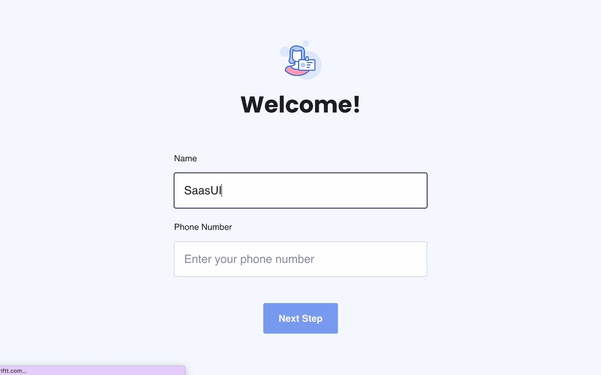

ActiveCampaign
Email Marketing · Onboarding
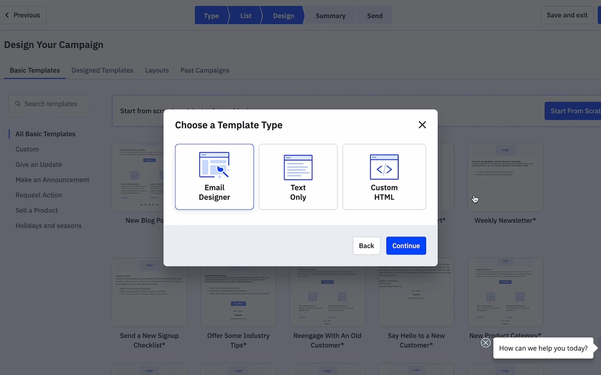
ActiveCampaign
Email Marketing · Modal
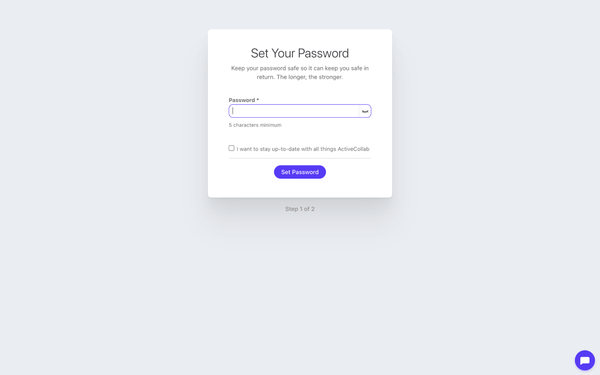

ActiveCollab
Project Management Software · Onboarding
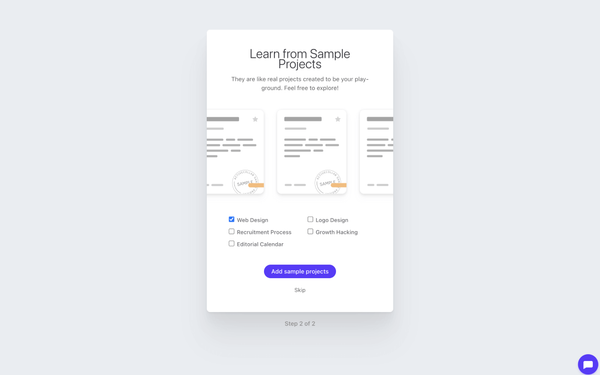
ActiveCollab
Project Management Software · Onboarding
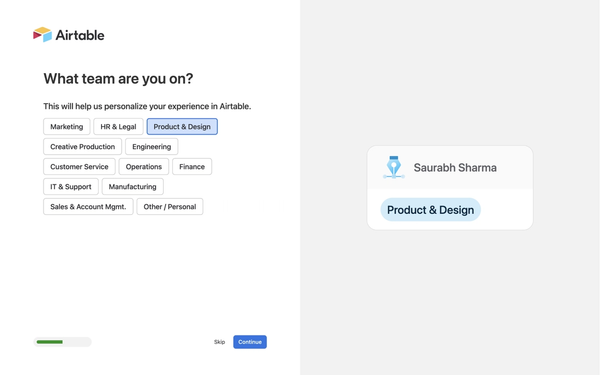

Airtable
Productivity · Onboarding
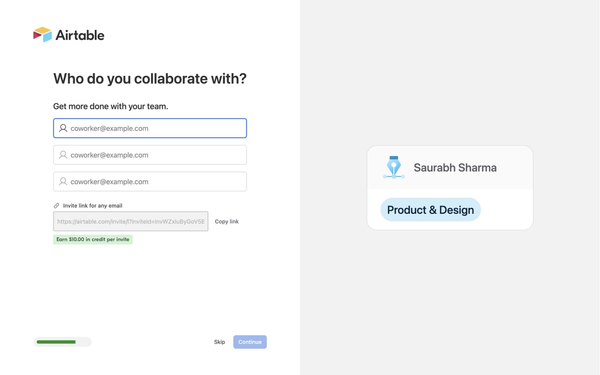
Airtable
Productivity · Onboarding
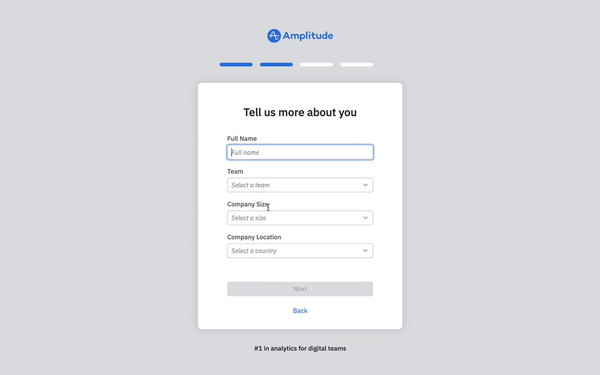

Amplitude
Analytics · Onboarding
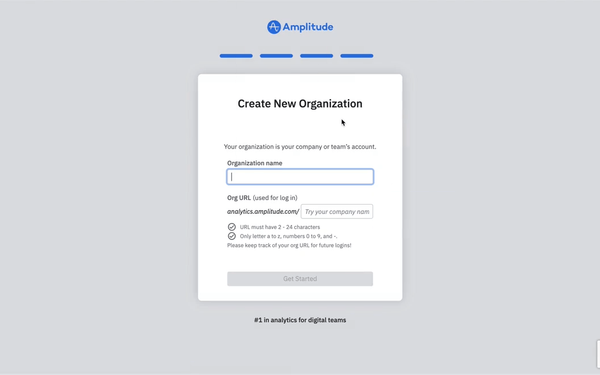
Amplitude
Analytics · Onboarding
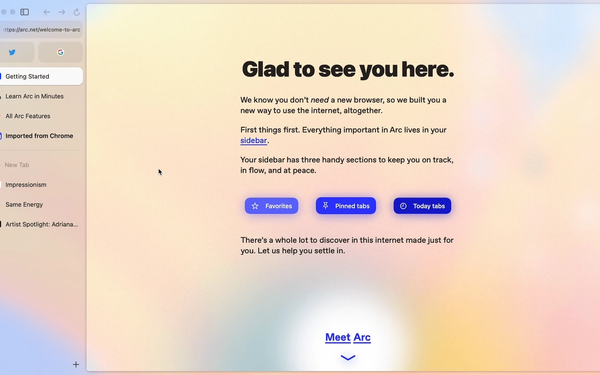

Arc Browser
Browser · Onboarding
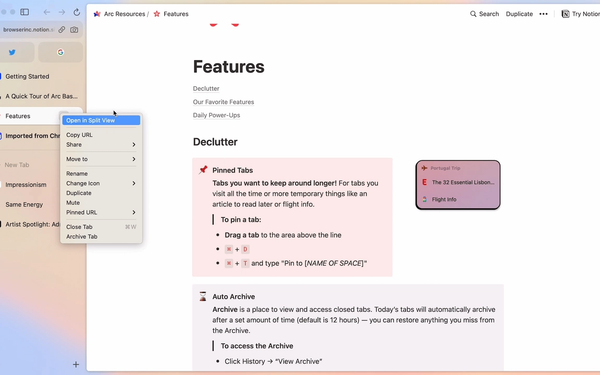
Arc Browser
Browser · Onboarding
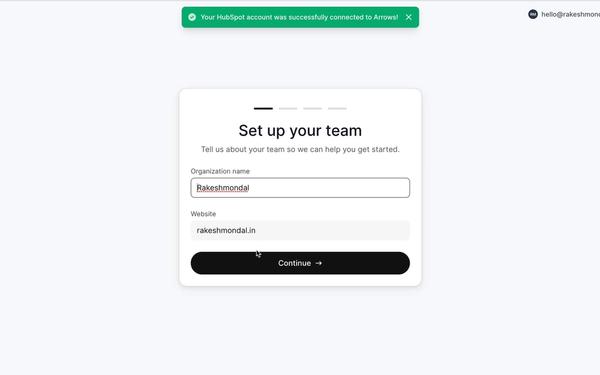

Arrows
Customer Experience · Onboarding
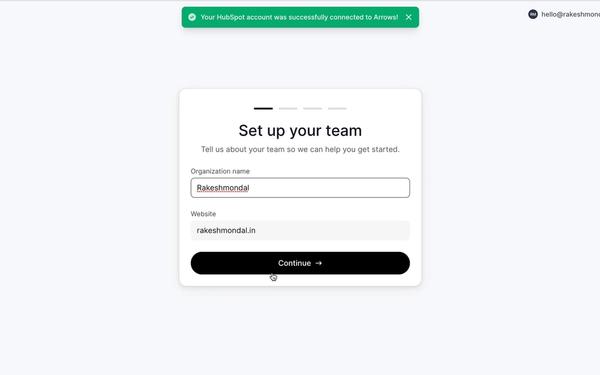
Arrows
Customer Experience · Onboarding
Related Terms
Cognitive Load
The total mental effort required to use a product. Good UX minimises unnecessary cognitive load through clear hierarchy, progressive disclosure, and familiar patterns.
Information Architecture (IA)
The structural design of shared information environments — how content is organised, labelled, and navigated within a product.
Onboarding Flow
The sequence of screens, tooltips, and actions that guide a new user from sign-up to their first meaningful value moment (activation).
UX (User Experience)
User experience (UX) is the overall quality of a person's interaction with a product, covering how easy, efficient and satisfying it is to reach their goal, not just how the interface looks.