
Claude UI: 18 Real Screens & Design Flows
Artificial Intelligence UI Design
Claude is Anthropic's AI assistant for writing, research, coding and analysis, with Cowork for hands-off tasks, Claude Code for software work and connectors to your tools. SaaSUI has 18 real Claude UI screens covering Landing, Settings, Dashboard, and more, captured October 2026.
Curated by: Rakesh Mondal
About the Design
Claude is Anthropic's AI assistant for writing, research, coding and analysis, shown here across 18 screens of its web app and marketing site.
Standout UI/UX patterns
- One composer, two modes. The new-chat screen keeps a single input with Chat and Cowork modes. Cowork swaps in a task composer with a project picker, an approval-mode setting and suggested task ideas.
- Clarifying questions as cards. In the conversation view, Claude asks a follow-up as a multiple-choice card instead of a wall of text, so the user can answer with one click.
- Plain-language limits. The Usage page shows session and weekly limits as meters with reset times, and the model picker pairs each model with an effort setting rather than a spec table.
The settings screens (appearance, privacy, capabilities toggles, Claude in Chrome permissions) are a clean reference for grouping AI feature controls.
Who these screens help: designers building chat or agent interfaces, PMs planning usage-limit and plan-upgrade flows, and teams designing permission and privacy settings for AI tools.
18 Claude UI UX Design Patterns, Interface Examples & Inspiration
Building something like Claude?
Get a UI teardown from Rakesh Mondal
Browse Claude UI patterns by screen type
Filter Claude screenshots by specific screen types: Landing, Pricing, Signup, Dashboard, and more.
Related Applications

AssemblyAI
Artificial Intelligence
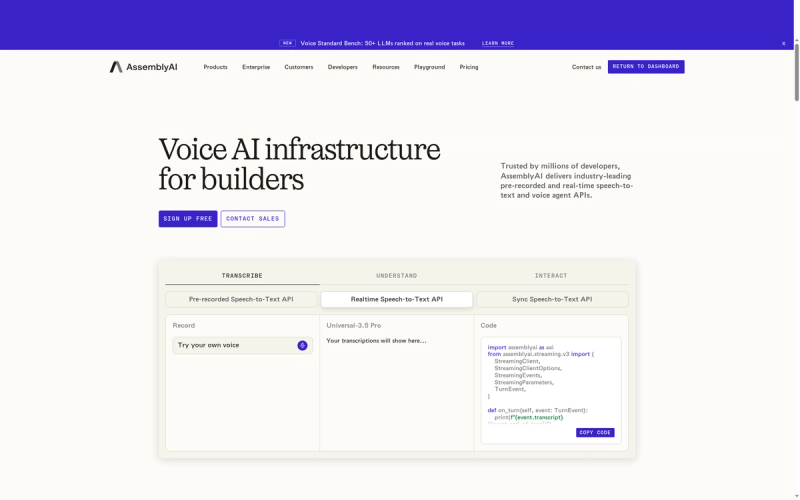
AssemblyAI is a Voice AI platform with speech-to-text, realtime streaming, voice agents and an LLM Gateway, plus playgrounds, logs and usage tools for developers.

Higgsfield
Artificial Intelligence
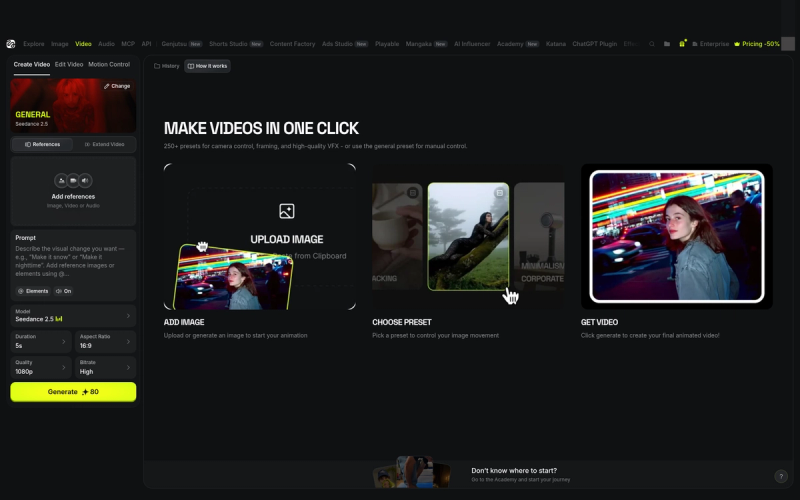
Higgsfield is an AI-native creative suite for generating images, video, and character content from text prompts or references. Its UI covers an Explore home with Seedance, Genjutsu, Cinema Studio and Claude Fable 5.2 MCP cards, a one-click Create Video flow with Seedance model presets, a Create Image workspace with Soul Cinema and a model picker for Soul, Seedream, GPT Image and Nano Banana, Effects presets such as Floating Fall, Higgsfield Layers for turning flat images into editable layers, an AI Influencer character studio, an AI Canvas with board templates, an Assets library, a Community discovery feed, intent and experience onboarding, and Free through Max plans with personal-promo upgrade modals.

Groq Cloud
Artificial Intelligence
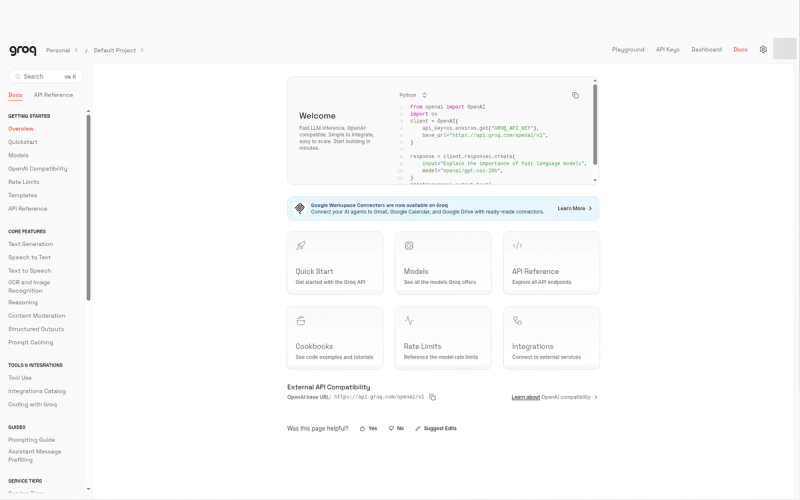
GroqCloud is Groq's developer platform for ultra-fast AI inference on LPUs, with an OpenAI-compatible API, a chat playground, usage metrics, logs, batch processing and per-model rate limits for open models like GPT-OSS, Qwen and Whisper.

Recraft
Artificial Intelligence
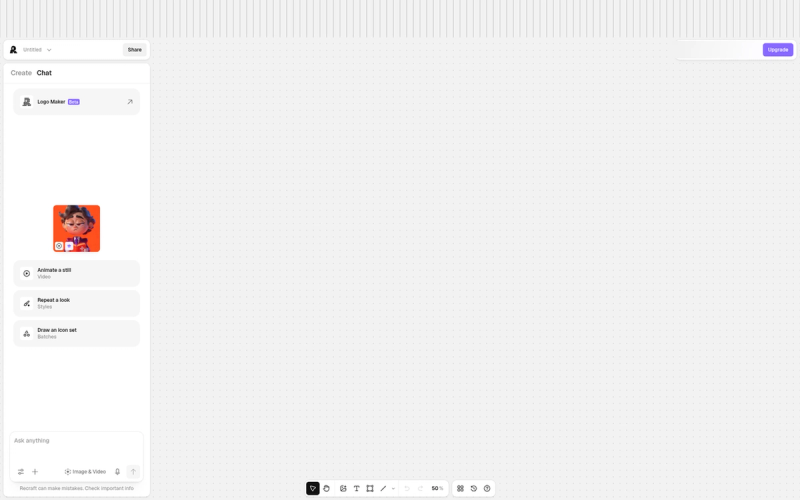
Recraft is an AI image and design generation tool for creating vector art, illustrations, icons, logos, mockups and photos in a consistent brand style. Its UI covers an infinite canvas editor with Create and Chat panels, a prompt panel with model and style selectors, an Explore styles library and custom styles, image tools for remove background, erase, outpaint, vectorize, enhance and upscale, generation history, a community feed, a free image-to-SVG converter, and Free, Basic, Pro and Teams plans billed in credits.

Manus
Artificial Intelligence
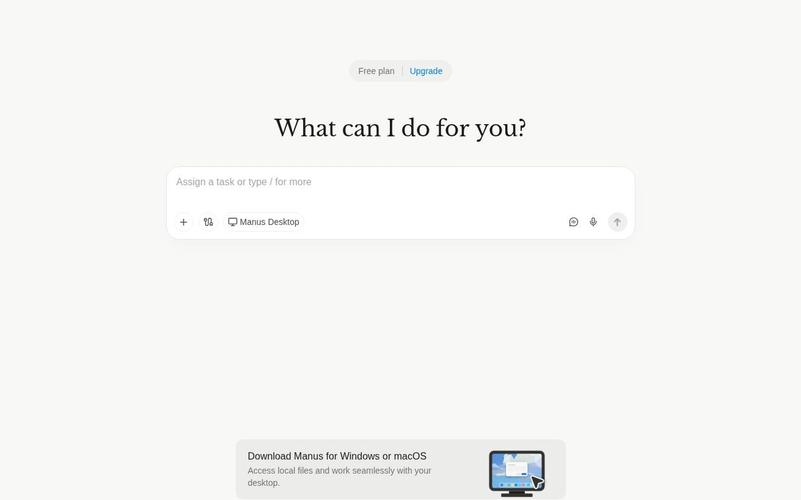
Manus is an AI agent that turns natural-language instructions into tasks and deliverables, including documents, presentations, websites, and research. Explore its task composer, model picker, presentation setup, progress feedback, and completed-result interface.

Descript
Artificial Intelligence
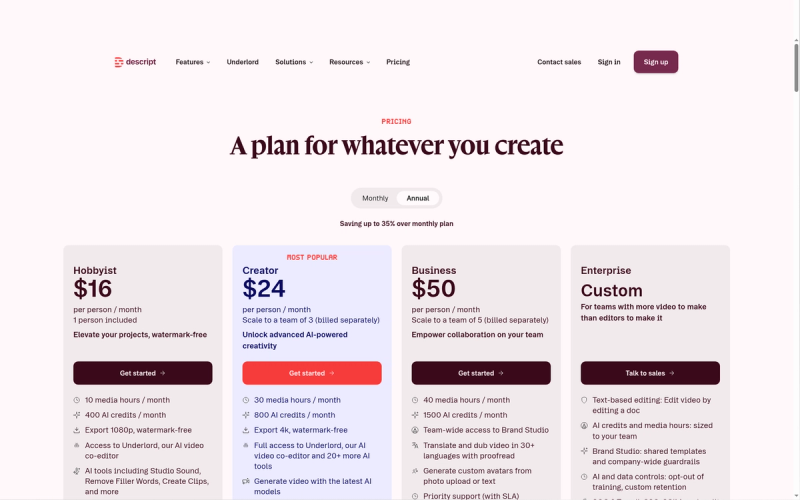
Descript is an AI-powered, text-based video and audio editor for recording, editing, captioning and publishing. Its UI covers a Home drive with Underlord prompt and New project menu, a script-plus-canvas editor with Create a Scene, Properties, AI Tools, Captions and Media, Underlord Beta co-editor, Export for audio timeline transcript and subtitles, Layout packs, Rooms remote recording, AI speakers, and Free through Enterprise plans.
Newsletter
Stay ahead of SaaS design trends
Get a curated roundup of the best new UI patterns, interactions, and design inspiration — delivered to your inbox. No spam, no ads, no selling your data.