
AssemblyAI UI: 25 Real Screens & Design Flows
Artificial Intelligence UI Design
AssemblyAI is a Voice AI platform with speech-to-text, realtime streaming, voice agents and an LLM Gateway, plus playgrounds, logs and usage tools for developers. SaaSUI has 25 real AssemblyAI UI screens covering Editor, Other, Landing, and more, captured October 2026.
Curated by: Rakesh Mondal
About the Design
AssemblyAI is a Voice AI platform for developers, with speech-to-text, realtime streaming, voice agents and an LLM Gateway. These 25 screens cover its marketing site and the developer dashboard, with API keys hidden.
Standout UI/UX patterns
- A playground per product. Separate playgrounds for pre-recorded, realtime (32 languages), dictation, sync and voice agents let developers try each API before writing code.
- Two views of one result. A transcript shows as speaker-labelled text with an audio player, and the same result can be viewed as the raw JSON API response.
- Side-by-side comparison. STT Compare shows transcriptions next to each other, and the LLM Gateway playground can chat with or compare models.
The dashboard also covers usage and limits clearly: a logs table with status, model and duration, a per-endpoint rate limits table, a cost breakdown by product, and data controls that show what's locked on the free plan.
Who these screens help: designers of developer consoles and API products, teams building playgrounds and comparison views, and PMs designing usage, cost and rate-limit pages.
25 AssemblyAI UI UX Design Patterns, Interface Examples & Inspiration
Building something like AssemblyAI?
Get a UI teardown from Rakesh Mondal
Browse AssemblyAI UI patterns by screen type
Filter AssemblyAI screenshots by specific screen types: Landing, Pricing, Dashboard, Chat, and more.
More Data Table UI Design Examples
Compare AssemblyAI tables with Linear, Airtable, HubSpot, and Attio — filters, dense rows, and saved views from real products.
View Data Table ExamplesRelated Applications

Claude
Artificial Intelligence
Claude is Anthropic's AI assistant for writing, research, coding and analysis, with Cowork for hands-off tasks, Claude Code for software work and connectors to your tools.

Higgsfield
Artificial Intelligence
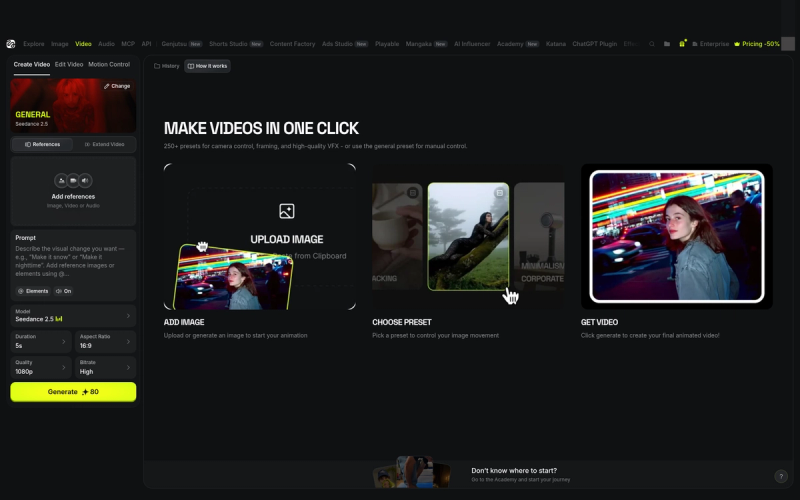
Higgsfield is an AI-native creative suite for generating images, video, and character content from text prompts or references. Its UI covers an Explore home with Seedance, Genjutsu, Cinema Studio and Claude Fable 5.2 MCP cards, a one-click Create Video flow with Seedance model presets, a Create Image workspace with Soul Cinema and a model picker for Soul, Seedream, GPT Image and Nano Banana, Effects presets such as Floating Fall, Higgsfield Layers for turning flat images into editable layers, an AI Influencer character studio, an AI Canvas with board templates, an Assets library, a Community discovery feed, intent and experience onboarding, and Free through Max plans with personal-promo upgrade modals.

Groq Cloud
Artificial Intelligence
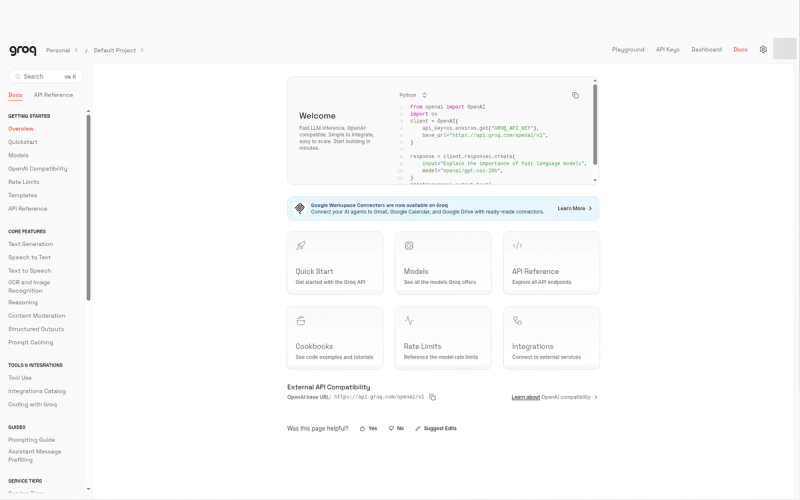
GroqCloud is Groq's developer platform for ultra-fast AI inference on LPUs, with an OpenAI-compatible API, a chat playground, usage metrics, logs, batch processing and per-model rate limits for open models like GPT-OSS, Qwen and Whisper.

Recraft
Artificial Intelligence
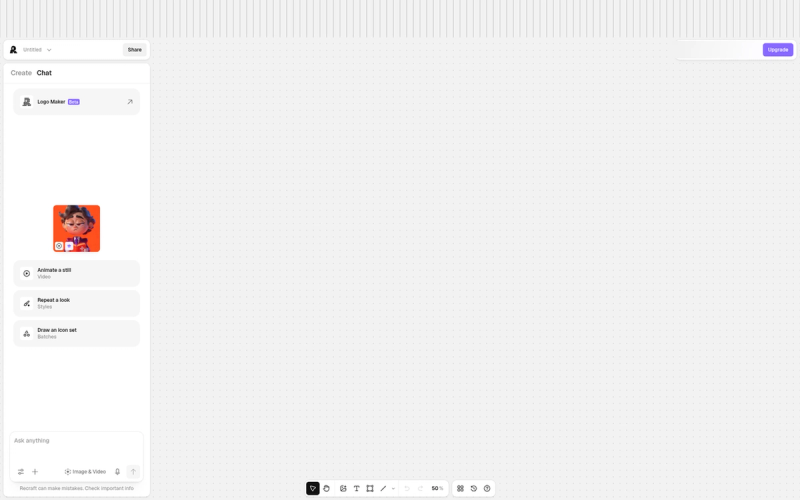
Recraft is an AI image and design generation tool for creating vector art, illustrations, icons, logos, mockups and photos in a consistent brand style. Its UI covers an infinite canvas editor with Create and Chat panels, a prompt panel with model and style selectors, an Explore styles library and custom styles, image tools for remove background, erase, outpaint, vectorize, enhance and upscale, generation history, a community feed, a free image-to-SVG converter, and Free, Basic, Pro and Teams plans billed in credits.

Manus
Artificial Intelligence
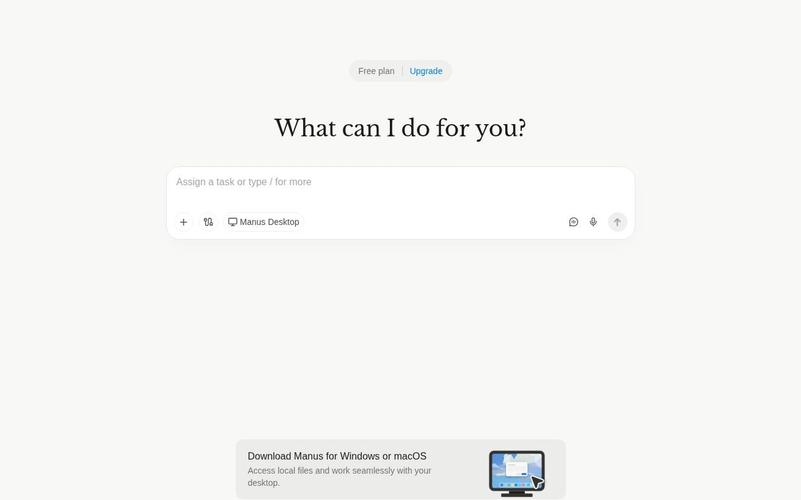
Manus is an AI agent that turns natural-language instructions into tasks and deliverables, including documents, presentations, websites, and research. Explore its task composer, model picker, presentation setup, progress feedback, and completed-result interface.

Descript
Artificial Intelligence
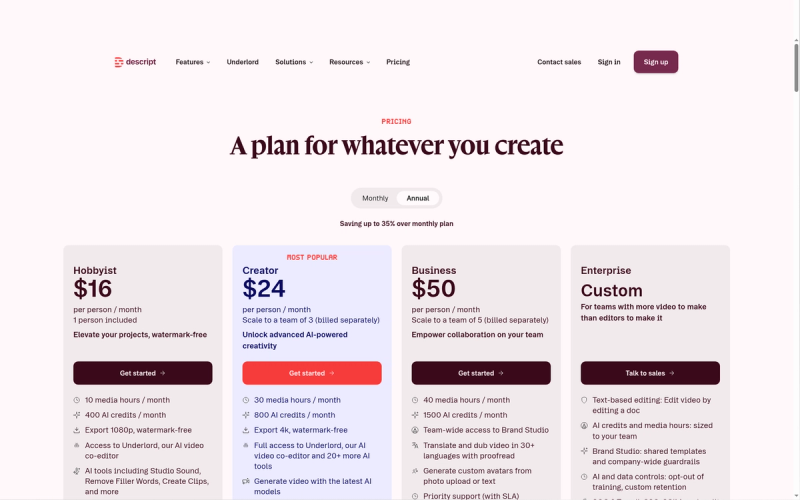
Descript is an AI-powered, text-based video and audio editor for recording, editing, captioning and publishing. Its UI covers a Home drive with Underlord prompt and New project menu, a script-plus-canvas editor with Create a Scene, Properties, AI Tools, Captions and Media, Underlord Beta co-editor, Export for audio timeline transcript and subtitles, Layout packs, Rooms remote recording, AI speakers, and Free through Enterprise plans.
Newsletter
Stay ahead of SaaS design trends
Get a curated roundup of the best new UI patterns, interactions, and design inspiration — delivered to your inbox. No spam, no ads, no selling your data.